The financial reality of flight training is that the cockpit is an incredibly expensive classroom. When you are paying over two hundred dollars an hour for an aircraft and an instructor, spending twenty minutes parked on the ramp trying to understand how to program a GPS route is a massive waste of resources. To combat these rising costs, savvy student pilots and seasoned aviators alike are increasingly turning to home flight simulators for practice, transforming their personal computers into highly effective procedural trainers.
The modern flight simulation market has evolved far beyond the clunky, low-resolution games of the past. Today’s software offers millimeter-accurate avionics modeling, real-world weather injection, and incredibly precise aerodynamic physics. However, building a home simulator requires a fundamental shift in mindset. If you treat your setup like a video game where you simply take off from a taxiway and perform barrel rolls over your house, you will gain absolutely zero real-world aviation benefit.
For pilots actively working toward a checkride, evaluating a home simulator requires understanding its limitations just as much as its capabilities. You must learn to leverage the software for flow patterns, instrument scanning, and radio communication practice while deliberately avoiding maneuvers that require the physical seat-of-the-pants feel of a real aircraft. Understanding how to integrate this technology into your curriculum is the smartest way to accelerate your progress and protect your training budget.
The Difference Between Logging Time And Building Proficiency
The very first concept you must grasp when setting up a home rig is the regulatory difference between building proficiency and legally logging flight hours. Unless you are flying an FAA-approved Basic Aviation Training Device (BATD) or Advanced Aviation Training Device (AATD) at a certificated flight school, the hours you spend flying on your home computer cannot be logged in your official logbook. However, the inability to legally log the time does not diminish the immense value of the practice.
A home simulator is the ultimate tool for procedural memory. You can legally pause the simulation mid-flight to read an avionics manual, restart an instrument approach instantly after a mistake, or practice emergency engine failure checklists until they become muscle memory. While it is not a replacement for the physical aircraft, a home simulator bridges the gap perfectly between reading a textbook and paying for engine time.
Choosing The Right Software And Hardware Ecosystem
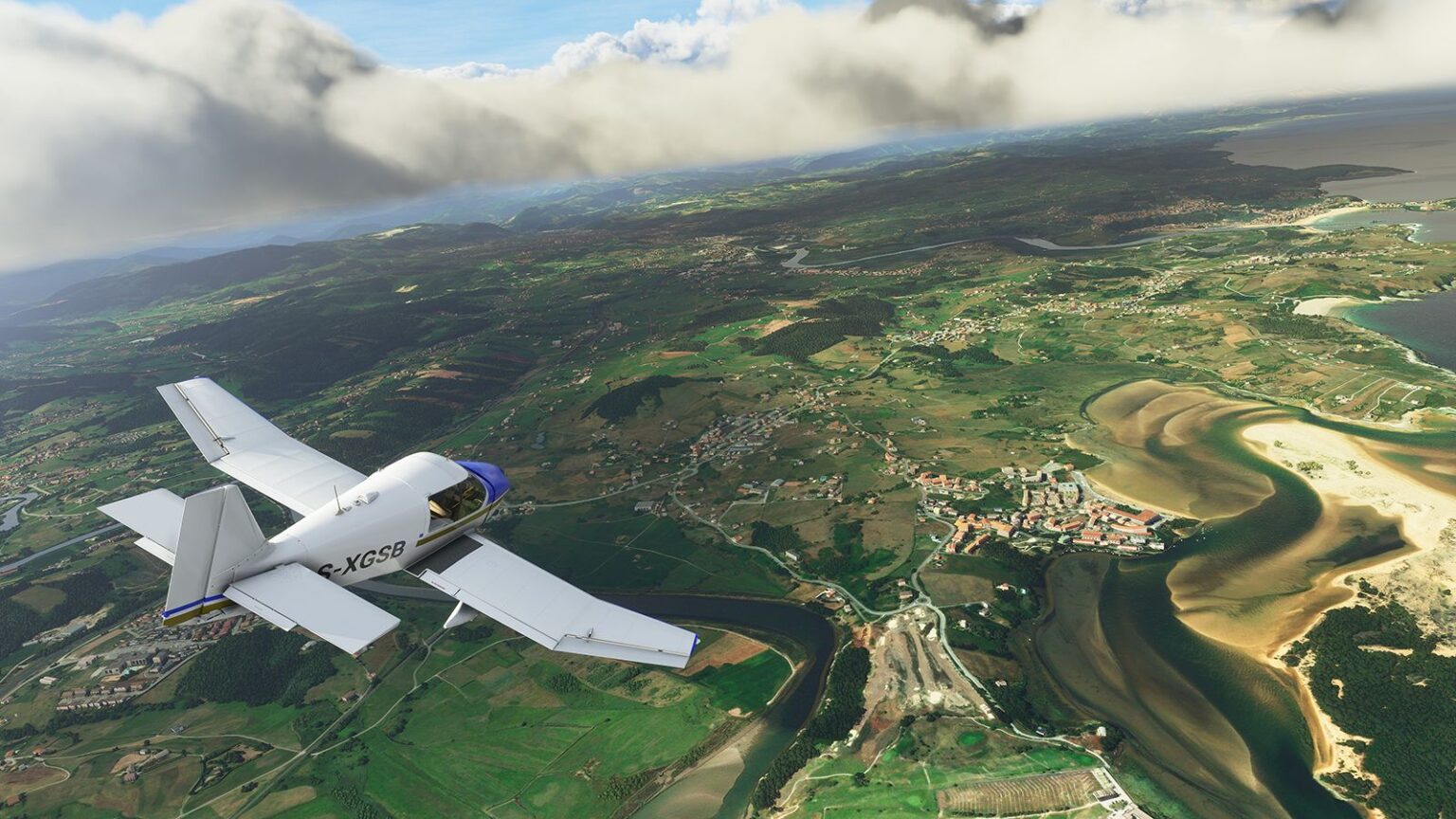
If you have decided to build a home training environment, you will inevitably have to choose between the two major software platforms: Laminar Research’s X-Plane and Microsoft Flight Simulator. Both platforms are incredibly robust, but they cater to slightly different training philosophies. Microsoft Flight Simulator is globally renowned for its stunning, one-to-one visual recreation of the earth, making it an incredible tool for practicing visual cross-country pilotage and identifying ground landmarks before a real flight.

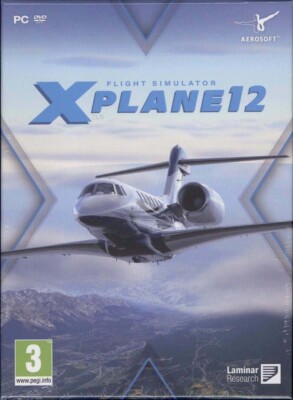
Conversely, X-Plane is highly regarded in the professional aviation community for its superior “blade element theory” aerodynamic physics and its massive library of study-level, third-party aircraft. Once you select your software, pairing it with appropriate hardware is critical. A standard gaming controller is useless for aviation training; you must invest in a quality yoke, dedicated rudder pedals, and a throttle quadrant to accurately replicate the physical ergonomics of the cockpit.
Home Simulator Evaluation Factors At A Glance
| Software Platform | Core Strength | Best Training Application |
| Microsoft Flight Simulator | Photorealistic satellite imagery and live weather generation | Practicing VFR cross-country pilotage and visual approaches |
| X-Plane 12 | Highly accurate aerodynamic modeling and fluid instrument logic | Perfecting complex IFR procedures, holds, and avionics flows |
| Third-Party Add-Ons | Ultra-realistic system depth and failure modeling | Mastering complex aircraft systems and emergency checklists |
Maximizing Training Value While Avoiding Negative Transfer
The greatest danger of using a home flight simulator is the concept of negative transfer—learning a bad habit on the computer that subconsciously translates into the real aircraft. Because a desktop simulator cannot replicate the physical G-forces or peripheral depth perception of a real airplane, practicing physical maneuvers like steep turns, slow flight, or landing flares is highly discouraged. Trying to learn the physical “feel” of a flare on a computer will almost certainly cause you to flat-land or bounce the real airplane.
Instead, your simulator sessions should be heavily focused on high-workload, cognitive tasks. Use the simulator to practice loading and flying complex instrument approach procedures or dialing in radio frequencies. Furthermore, you can dramatically improve your radio proficiency by connecting your simulator to live air traffic control networks like PilotEdge, which provides human controllers who issue real-world clearances. Instead of fumbling with the microphone in the actual aircraft, learning how to talk to air traffic control as a student pilot in a simulated, high-pressure environment builds immense confidence.
Final Thoughts
Integrating a home flight simulator into your training regimen is one of the most effective ways to accelerate your learning and reduce your overall private pilot or instrument rating costs. It requires discipline, as the effectiveness of the tool relies entirely on your willingness to treat it like a real airplane. Do not use the pause button as a crutch, and always fly with real-world weather and realistic weight and balance parameters loaded into the software.
For student pilots and instrument candidates, a home simulator is an extension of your ground school. Take the time to build a structured syllabus for your computer sessions, focus relentlessly on procedures over physical maneuvers, and pair your digital flying with active study habits. When you treat your desk like a professional training environment, you will arrive at the airport significantly more prepared, allowing you to spend your expensive flight hours actually flying rather than simply learning.