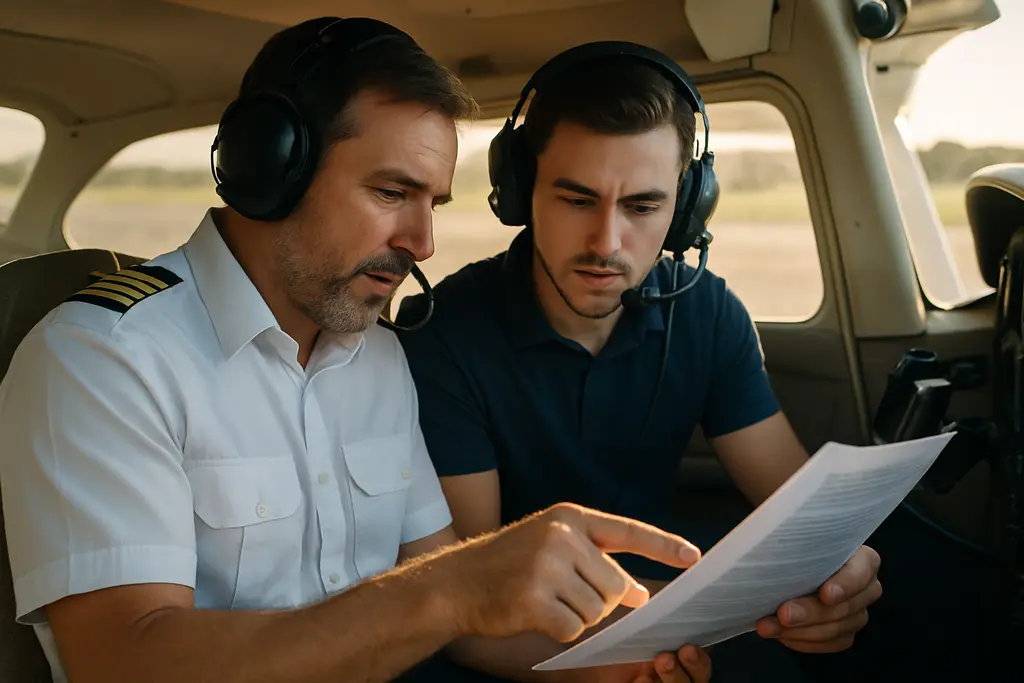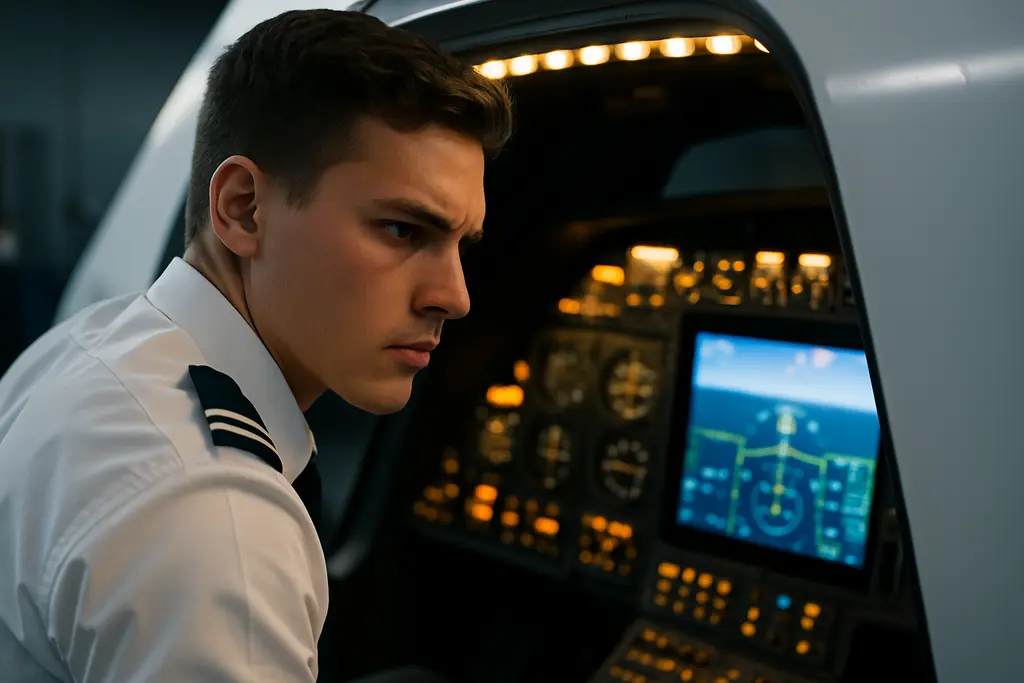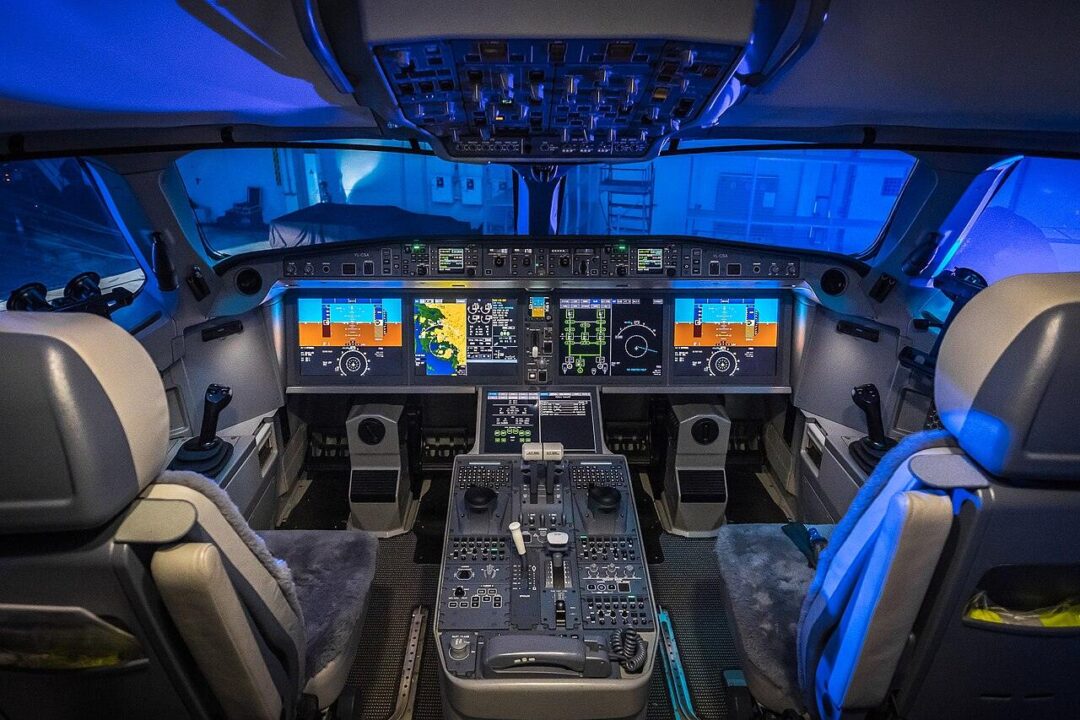
Replacing traditional round dials with massive digital displays fundamentally alters how a pilot interacts with an aircraft. A glass cockpit consolidates flight instruments, engine data, and navigation into two flat screens, offering a massive leap in situational awareness. Moving from analog steam gauges to a highly integrated system like the Garmin G1000 requires treating the airplane as a flying computer network. Pilots making this upgrade often struggle with the sudden influx of data. Instead of just flying the wing, you must program the avionics and manage automation levels. You can review the exact system architectures of these advanced panels directly through the Garmin aviation product documentation to see how deeply the hardware integrates with the airframe.
Combating Fixation And Information Overload
The sheer volume of information presented on a primary flight display often traps a transitioning pilot’s eyes inside the flight deck. You can easily spend three minutes staring at menus trying to load an instrument approach and completely ignore outside traffic. Instructors call this hazard heads-down time, posing a severe risk during visual flight rules operations. You must force yourself to look out the window. A proper flight training progression requires perfecting the basic stick-and-rudder handling of the aircraft before attempting to manipulate advanced flight management systems in the air. Federal investigators reviewed accident rates involving technically advanced aircraft, and the National Transportation Safety Board found that digital displays did not magically reduce the number of fatal crashes. Safety relies entirely on the pilot’s ability to filter out unnecessary data during high-workload phases of flight.

System Architecture And Reversionary Modes
Analog airplanes rely on vacuum pumps and pitot-static pressure to spin mechanical gyros. A glass panel replaces these moving parts with solid-state computers. The Air Data Computer calculates airspeed and altitude. The Attitude and Heading Reference System uses lasers and accelerometers to determine your spatial orientation. If the primary flight display fails in flight, the system features a reversionary mode that compresses all required flight data and engine instruments onto the remaining screen.
| Aircraft System | Traditional Analog Component | Glass Cockpit Equivalent |
| Attitude & Heading | Engine-driven vacuum pump | Solid-state AHRS |
| Airspeed & Altitude | Direct pitot-static plumbing | Air Data Computer (ADC) |
| Engine Monitoring | Individual mechanical gauges | Engine/Airframe Unit (GEA) |
You must memorize exactly how to manually trigger these reversionary modes if the automatic switch fails. The Federal Aviation Administration Advanced Avionics Handbook details the exact failure scenarios you must anticipate when relying entirely on electronic data streams.
Establishing New Instrument Scan Patterns
Flying an analog six-pack requires a radial scan, constantly moving your eyes outward from the attitude indicator to the surrounding instruments and back again. The G1000 changes this physical geometry. The airspeed and altitude tapes sit vertically on the sides of the attitude indicator. This design forces a tight, rectangular eye movement rather than a broad circular scan. Transitioning pilots tend to over-control the aircraft. The digital tapes show altitude deviations down to the exact ten-foot increment, leaving no visual room for minor fluctuations.
Learning the buttonology of these systems costs a small fortune if you try to figure it out with the engine running. You should utilize desktop simulator software to build muscle memory on the ground. Organizations like the Aircraft Owners and Pilots Association provide excellent interactive courses that teach you how to program flight plans and sequence approaches without paying for aviation fuel.
The transition demands discipline. Pilots must resist the temptation to program the GPS during a high-stress phase of flight, like a short final approach. If a waypoint drops out of the flight plan, you fly the airplane manually and ignore the screen. Adopting a clear set of personal operating rules protects you from the distractions embedded in modern avionics, keeping your focus strictly on aircraft control.